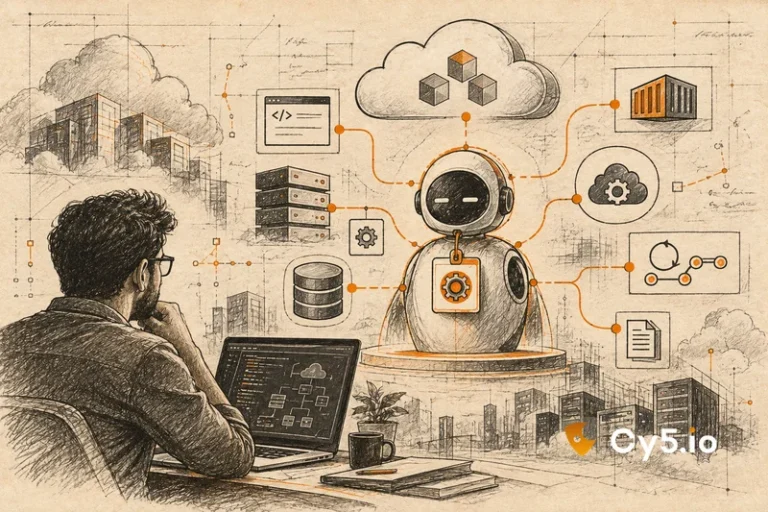
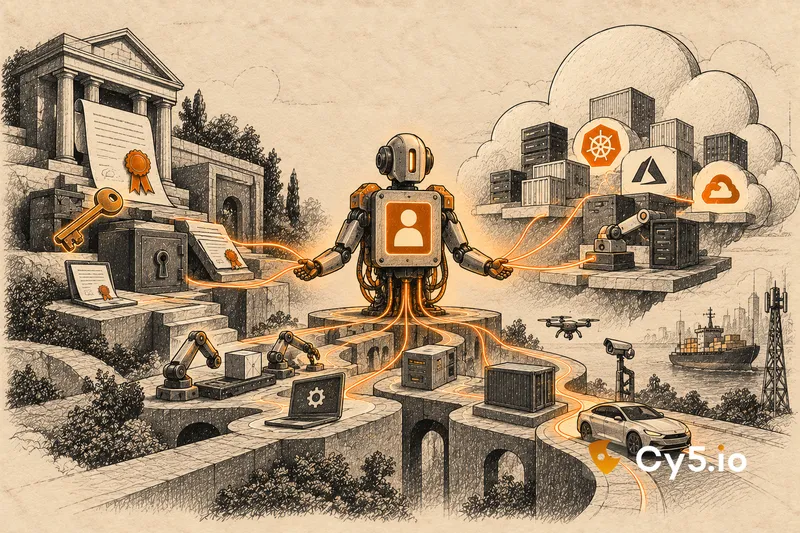

A machine identity is the credential a machine, workload or automated process uses to prove who it is, such as a TLS certificate, an SSH key, a cloud IAM role or a service account. The term is used in two ways. One comes from public key infrastructure (PKI) and means certificates and keys. The other comes from cloud identity and access management and means the roles and accounts that workloads run as. Confusing the two is why conversations about machine identity so often go in circles.
This guide covers both, and spends most of its time on the cloud meaning, which most definitions skip.
The two meanings of machine identity
Both uses of the term are legitimate. They describe different objects, managed by different teams, with different lifecycles.
| Certificate lineage (PKI) | Cloud workload lineage (IAM) | |
| What it covers | TLS certificates, code-signing keys, SSH keys, device certificates | IAM roles, managed identities, service principals, service accounts, access keys |
| What it proves | That a server, device or piece of code is who it claims to be, cryptographically | That a workload is allowed to call specific cloud APIs |
| Who usually owns it | PKI, network or platform teams | Cloud, platform and security engineering teams |
| Lifecycle measured in | Issuance, renewal, expiry, revocation | Creation, use, dormancy, permission drift, removal |
| Typical failure | An expired certificate takes a service down; a stolen private key allows impersonation | An unused identity keeps broad access; a leaked key is used from outside |
The certificate side is changing fast. The CA/Browser Forum’s ballot SC-081, adopted in April 2025, reduces the maximum validity of public TLS certificates in stages: 200 days from March 2026, 100 days from March 2027 and 47 days from March 2029. That makes automated issuance and renewal close to mandatory, which is why certificate vendors write so much about machine identity.
The cloud side is where most day-to-day access now happens, and where identities multiply fastest. The rest of this guide is about that side.
Machine identity in the cloud, by provider
In the cloud, a machine identity is whatever a workload authenticates as when it calls a cloud API. The main kinds are the same across providers, with different names.
The safest kind is an identity attached to compute, with no stored secret. On AWS, that is an IAM role attached to an EC2 instance through an instance profile, or a Lambda or ECS execution role. On Azure, it is a managed identity. On Google Cloud, it is a service account attached to a VM, Cloud Run service or Cloud Function. The cloud issues short-lived credentials to the workload and rotates them automatically.
Kubernetes adds its own layer: EKS Pod Identity and IAM roles for service accounts on AWS, AKS workload identity on Azure, and GKE Workload Identity Federation on Google Cloud, each mapping a pod’s service account to a cloud identity.
Workloads outside the cloud, such as CI pipelines, use federation to exchange a token they already have for short-lived credentials. Our guide to workload identity federation [/blog/workload-identity-federation/] covers how that works and how its trust conditions go wrong.
The riskiest kind is the long-lived secret: IAM user access keys on AWS, client secrets and certificates on Azure app registrations, and service account JSON keys on Google Cloud. They last until someone rotates or deletes them. Google now enforces the iam.disableServiceAccountKeyCreation organisation policy by default for newer organisations, but older organisations often still allow key creation.
One detail is worth checking in your own AWS account, because it tells you which kind of credential you are looking at. AWS access key IDs that begin with AKIA are long-lived keys belonging to IAM users. Key IDs that begin with ASIA are temporary credentials from an assumed role, which expire and rotate on their own. In CloudTrail, a call made with temporary role credentials shows userIdentity.type as AssumedRole, with the role named in sessionContext.sessionIssuer. A long list of AKIA keys in active use is a list of secrets that can leak.
Machine identity versus non-human identity versus workload identity
These terms overlap heavily. Non-human identity is the broadest: any identity that is not a person. Machine identity is often used as a synonym for it, and sometimes narrowly for certificates and keys, the PKI meaning above. Workload identity is the subset attached to running software, which is how Microsoft uses the term in Entra Workload ID and Google in GKE.
Microsoft’s own definition groups workload identities and device identities together as “machine (or non-human) identities”. None of these uses is wrong. The useful habit is to say which objects you mean when you use the term. For the fuller comparison, and the object names in each cloud, see our explainer on the broader category of non-human identities [/blog/non-human-identity/].
The machine identity lifecycle nobody runs
People have a lifecycle that organisations manage well. They join, move roles and leave, and an HR system drives each step. Machine identities have a lifecycle too, but almost nobody runs it.
Creation happens constantly, often by hand, and rarely with an owner recorded. Use is usually narrower than the permissions granted, because broad access is the quickest way to avoid an error. Dormancy is common: the project, pilot or vendor engagement that needed the identity ends, and the identity simply stops being used. Revocation is where the lifecycle breaks, because there is no event that triggers it. No one leaves, so no one is offboarded.
Each cloud records the data needed to run the missing step. On AWS, GetRole returns RoleLastUsed, and the IAM credential report shows access_key_last_used_date for every user’s keys. On Azure, service principal and managed identity sign-in logs show the last authentication, though they are kept in the portal for only 7 to 30 days depending on licence, so export them. On Google Cloud, Activity Analyzer and IAM Recommender’s unused service account insights show which accounts and keys have not authenticated recently.
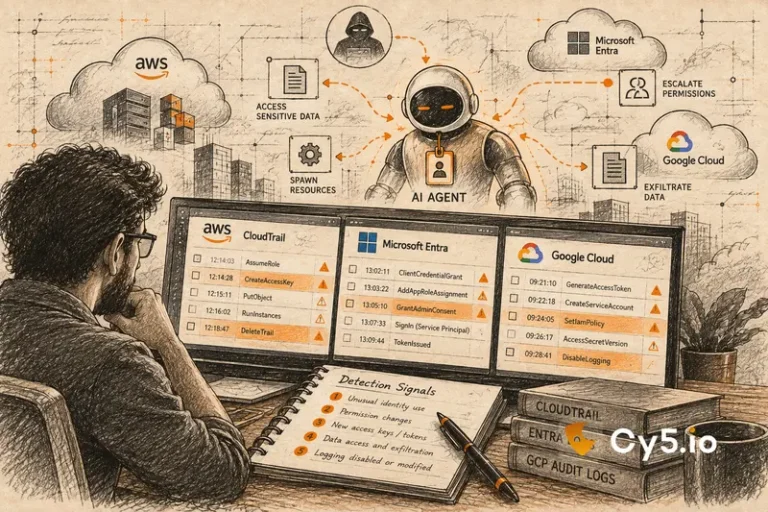
The detection point follows from this. When an identity that has been dormant for months suddenly becomes active, it deserves an alert. Legitimate dormant identities rarely wake up without a change ticket, while a forgotten identity with a leaked key or a loose trust is exactly what an attacker looks for.
How to tell whether a machine identity has too much access
Compare what each identity is allowed to do with what it has actually done, over 30 to 90 days. The gap is the access nobody needs, and the access an attacker would use.
On AWS, IAM Access Analyzer reports unused access, and last-accessed data shows which services and actions each role has used. On Google Cloud, IAM Recommender suggests smaller roles based on use, and Policy Intelligence tools show activity. On Azure, there is a gap: Microsoft retired Entra Permissions Management, so there is no native view of permission usage for Azure RBAC today, and teams have to reconstruct usage from activity and resource logs.
Not all unused access matters equally. An unused ec2:Describe* permission is noise. An unused wildcard, an unused ability to create or change other identities, or unused read access to a customer database is a finding, because those are the permissions that turn one compromised identity into many.
Common questions about machine identity
A TLS certificate on a web server, an SSH key used by a deployment tool, an AWS IAM role attached to a Lambda function, an Azure managed identity or a Google Cloud service account are all machine identities.
It is the practice of discovering, owning, securing and retiring machine identities across their lifecycle. For certificates, that centres on issuance and renewal. For cloud identities, it centres on ownership, least privilege and removing identities no longer in use.
Yes. A service account is one of the most common kinds of machine identity, though the term means different things in Google Cloud, Kubernetes and Active Directory.
A human identity belongs to a person, who signs in interactively and is managed through joiner, mover and leaver processes. A machine identity belongs to software, authenticates without a person present, and usually has no equivalent lifecycle process.
Where a platform helps
For the cloud side, the hard part is doing this comparison across every account, subscription and project at once. Cy5’s ion platform keeps a live inventory of machine and human identities across AWS, Azure and GCP in its entity graph, and its CIEM view compares granted with used permissions for each one in a single view. That matters most on Azure, where the native option has been retired. See the Cy5 identity and CIEM page [[CY5 CIEM PAGE URL]] and our guide to AI agent security [/blog/ai-agent-security/], since every AI agent runs on a machine identity too.
What to check first, and what can mislead you
Start with three checks: the long-lived keys in each cloud, the identities with no owner, and the identities unused for 90 days that still hold broad access.
Be careful with that last check. Last-used data has its own lookback limits on each cloud, and a gap in the data is not the same as no use. The most common false positive is an identity that looks dormant because it only runs quarterly or yearly, for a disaster recovery test or an audit job. Confirm with the owning team before removing anything, and where no owning team can be found, disable before you delete.